Projects
A window works in one of two modes.
| File mode | Project mode | |
|---|---|---|
| What it holds | One Postman collection with its environments, and any number of OpenAPI specs | A project root folder, with the collections, environments and specs it lists |
| Runs | Kept in memory for the window only | Postman and Karate runs saved under the project's build folder, as run history |
| Karate rail | Empty | The root's Files and Tests |
Opening a project
Open a folder (File ▸ Open Folder…), a karate-pom.json, a .feature or a karate-config.js. Xplorer uses the nearest folder at or above it that holds karate-pom.json, pom.xml or build.gradle(.kts) — never above your home folder — else the folder itself. That folder becomes the window's project root: one per window.
The project opens on the rail you last used in it, else Karate.
Open into this window or a new one
Opening a project into a window that already holds documents asks whether to open it in a New Window or Replace what this window holds. Replace first asks about unsaved changes.
A project open in another window
A project root can be open in one window at a time. Opening it again offers Switch to It.
Files
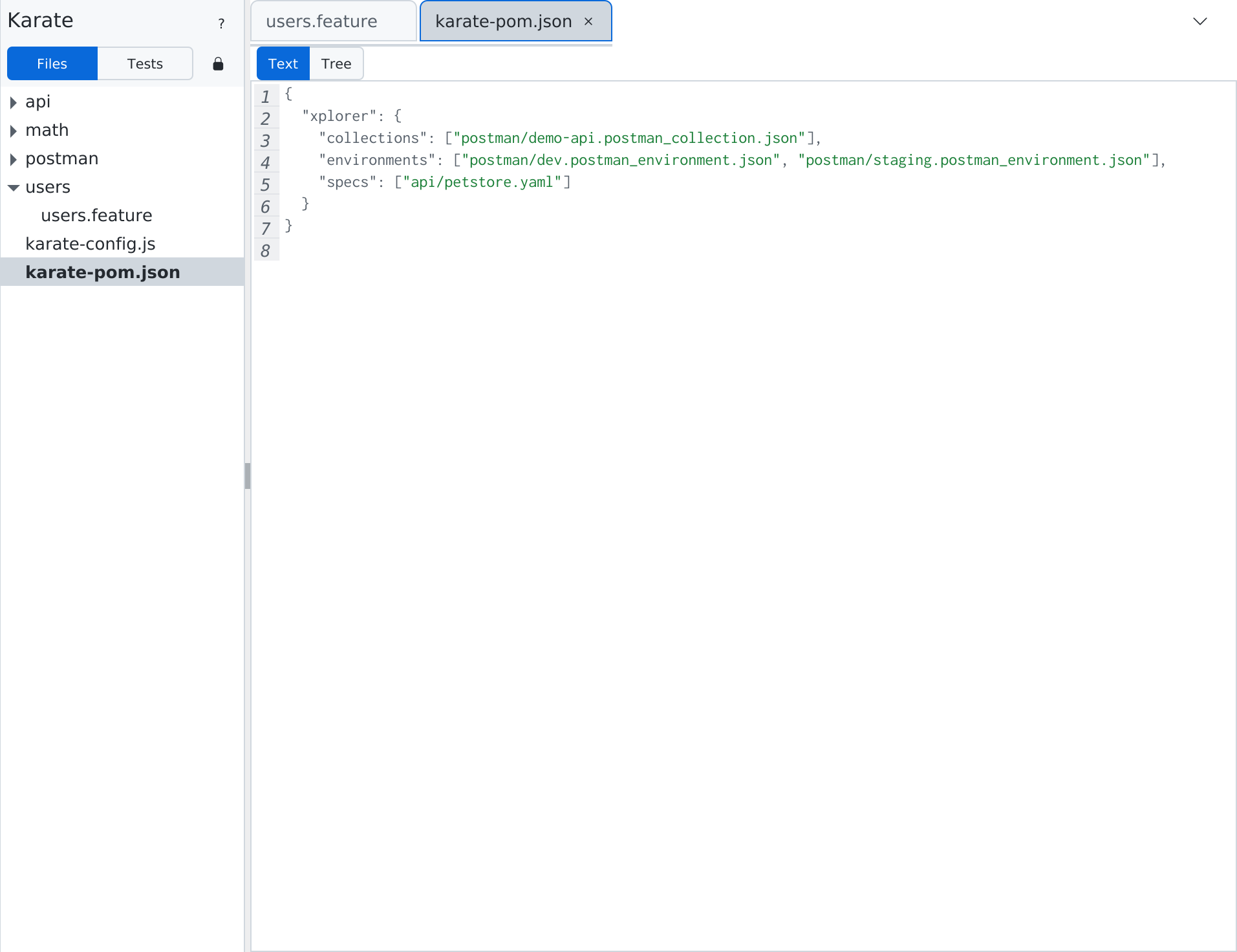
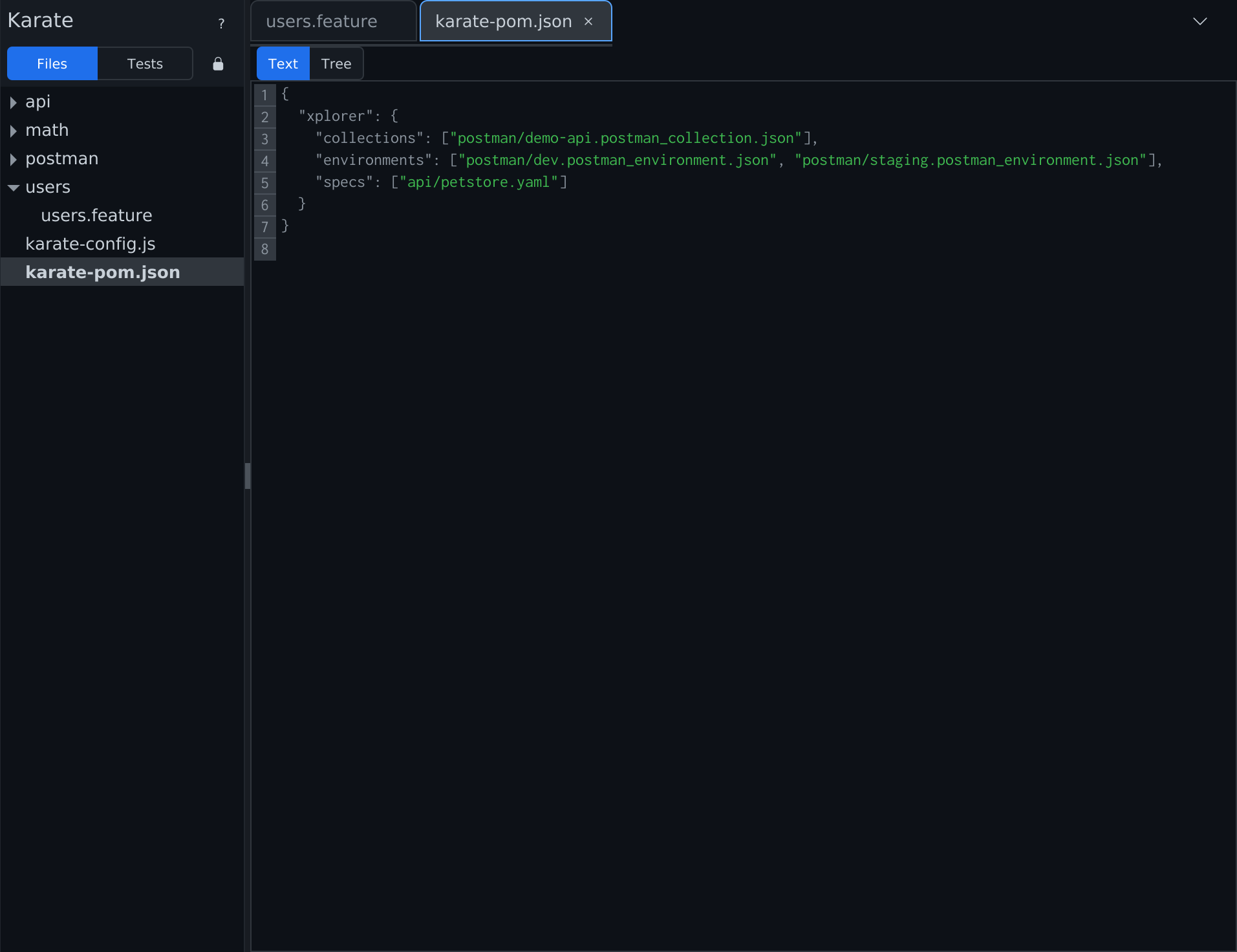
In project mode the Karate rail's side panel has two views, switched at its top: Files and Tests (Karate Projects).
Files shows the project's folders, features, .js, .json, .csv and .yaml files; build and output folders are hidden. The active tab's file is selected. A file opened from Files opens in its own rail: a collection in Collections, a spec in OpenAPI, a feature in Karate.
The xplorer block
Xplorer keeps the project's list of collections, environments and specs in an xplorer block in the root's karate-pom.json:
{
  "xplorer": {
    "collections": ["postman/store.postman_collection.json"],
    "environments": ["postman/qa.postman_environment.json"],
    "specs": ["api/openapi.yaml"]
  }
}
Paths are relative to the root. When the project opens, the listed environments and specs open, and the collection you last used (else the first listed) becomes active. A listed file that is missing shows in Problems; the rest opens.
Karate ignores the xplorer key, so it does not change how karate or your build runs tests.
Keeping run history for a collection
When you open a collection in file mode and it sits inside a project folder, Xplorer offers once: Keep run history for your collection in that folder? Choose:
- Use Project Root — adds the collection to the folder's
xplorerblock (creatingkarate-pom.jsonif there is none) and switches the window to project mode. - Not Now — remembered for that collection.
Adding a collection to the project
In project mode, a listed collection opens as the active one. A collection under the root that is not listed asks to Add to Project — listing it in the xplorer block, so its runs are kept with the project — or open in a New Window.
A collection outside the project
A project window opens only collections under its root. One from outside opens in a New Window.
How Xplorer writes karate-pom.json
Xplorer writes only its xplorer block. Every other byte of the file stays as it was; a missing block is added before the closing brace in the file's own indentation. A new karate-pom.json in a Gradle project also sets the report folder to build/karate-reports, so karate run keeps writing reports where it did.
When Xplorer will not change it
Xplorer leaves karate-pom.json untouched, and says why, when:
- it is not valid JSON, or its root is not an object;
- its
xplorervalue is not an object, orcollections,environmentsorspecsis not a list of strings; - it changed on disk since Xplorer read it (karate-pom.json changed on disk — Reload).
Before each write Xplorer saves the version it replaced, and a notice offers Restore previous karate-pom.json.
Where runs are saved
Each project run, Postman or Karate, is saved in its own folder under target/karate-xplorer/ (build/karate-xplorer/ for Gradle), the build folder karate run uses. Xplorer never edits your .gitignore; it assumes target/ and build/ are already ignored. How many runs are kept is the Runs kept setting. See Runs.