Karate Xplorer
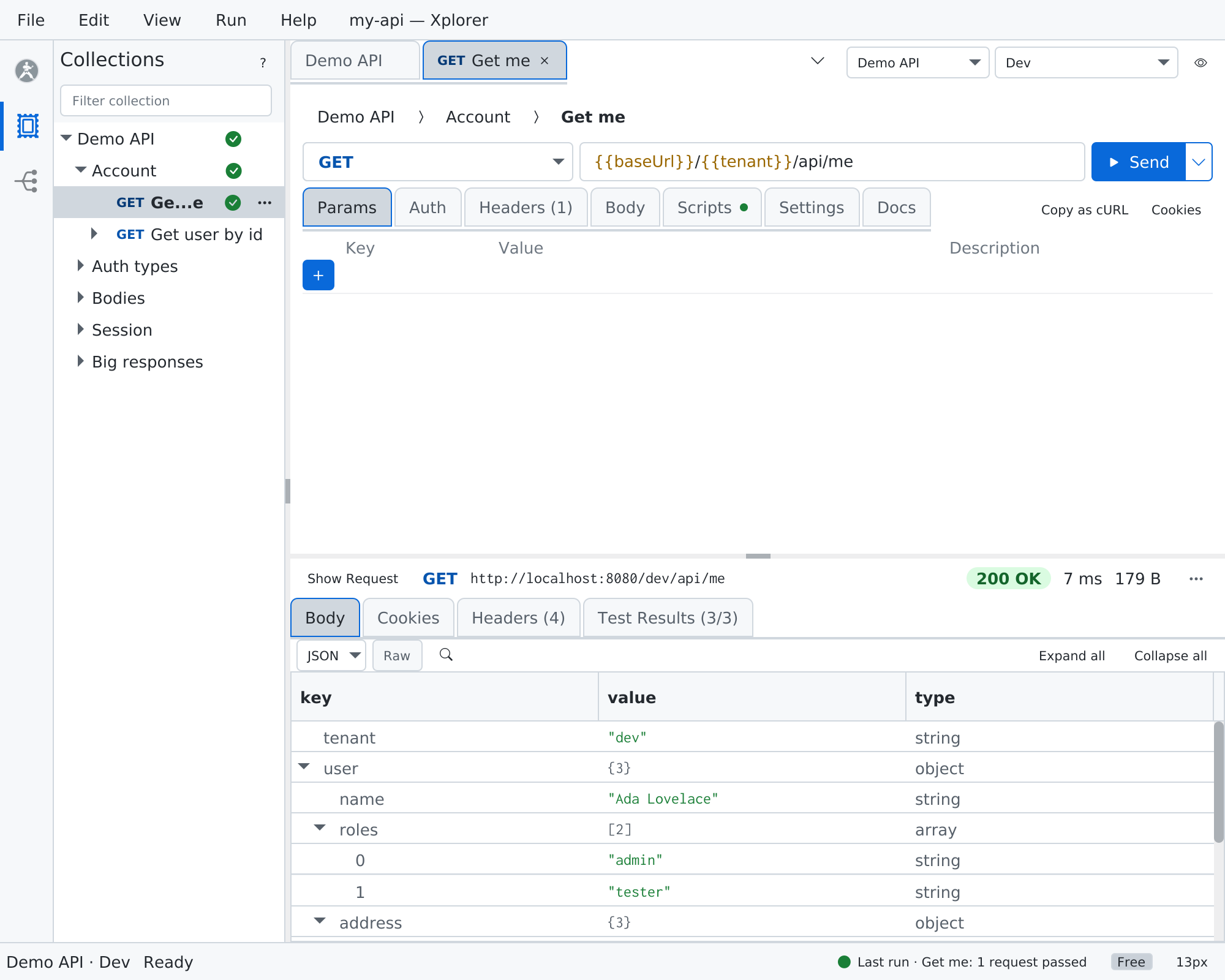
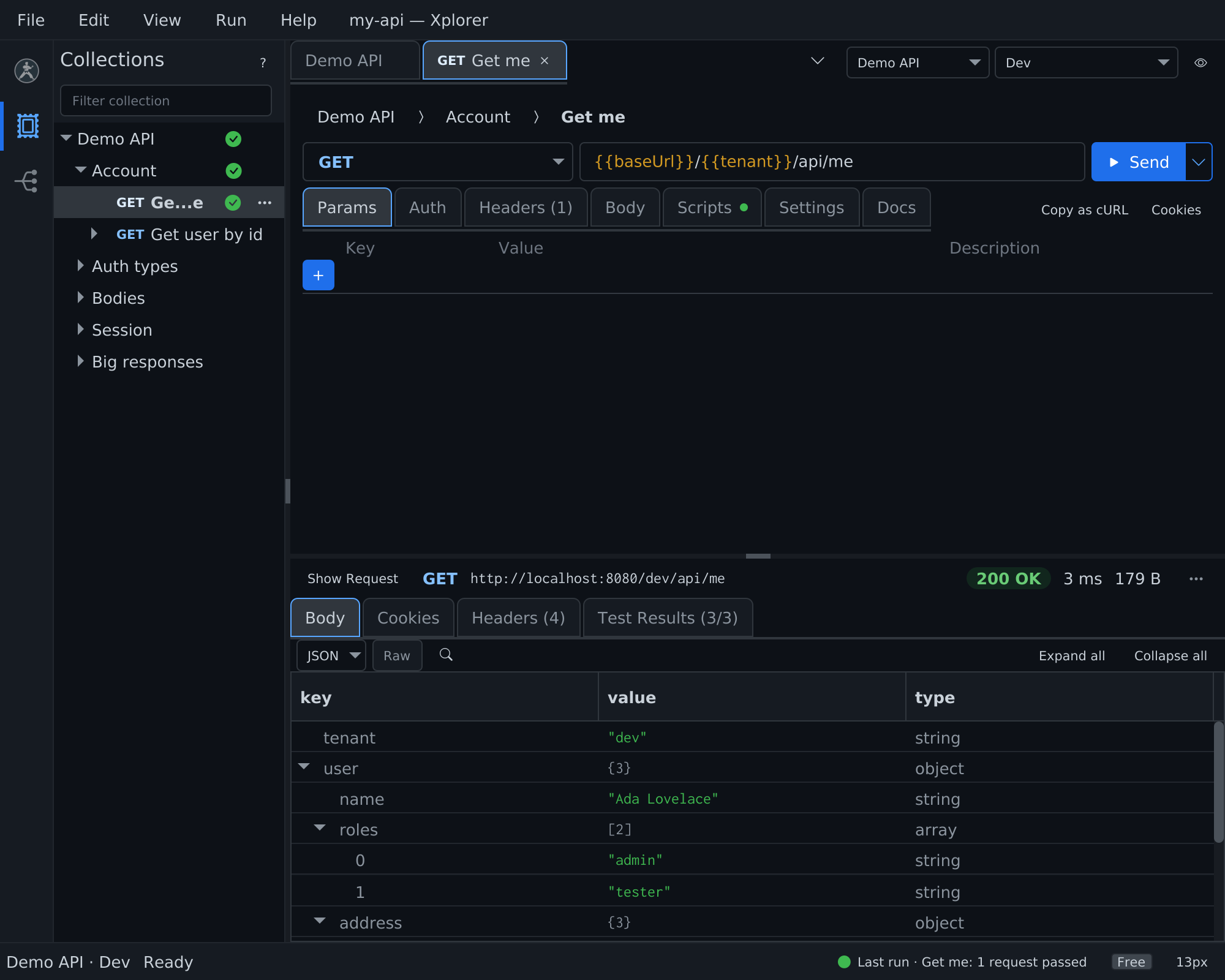
Xplorer is a desktop app for working with APIs on your own machine. One window holds three rails, each picked from the activity bar on the left edge:
| Rail | What it opens | What you do there |
|---|---|---|
| Collections | Postman collections (v2.0, v2.1), environments and globals | Edit, send, run folders and collections, scripts, every Postman auth type |
| OpenAPI | OpenAPI 3.0 and 3.1, Swagger 2.0 (JSON or YAML, file or URL) | Browse operations and schemas, read the docs, try an operation against a server |
| Karate | A Karate project folder | Browse and edit features, run tests, read results and reports |
Everything runs locally. Xplorer sends nothing except what you start: your requests, OAuth sign-ins, Open URL, and on demand the update check and license sign-in.
See it in 90 seconds: the Xplorer 3.0 video.
Free and Premium
Xplorer is free. Premium adds the actions that run or generate tests from a spec or a project. Premium features are always visible in the app, marked with a ★; using one without a license opens the License pane.
| Rail | Free | Premium ★ |
|---|---|---|
| Collections | Everything: open, edit, save, send, run folders and collections with data files, environments, every auth type including OAuth 2.0 browser grants, scripts, cURL import, Copy as cURL, Export to Karate, run output and run history | Save report… of a run (HTML, JUnit, JSON) |
| OpenAPI | Open, browse, docs, schemas, samples, source view, search, Problems, Copy as cURL, Copy Path | Try It, Add to Collection, Export to Karate, Copy as Karate |
| Karate | Open a project, browse, edit and save, highlighting, completion, Problems, new project or feature, Copy Run Command, Open in IDE, open a report on disk, Copy failure | Runs from every entry point, re-run, re-run failed, saved run reports and run history |
Premium comes with an Xplorer license, Karate Agent, Karate IDE Pro or Ultimate. Karate IDE Plus does not include it. See Licensing.
File mode and project mode
A window works in one of two modes:
- File mode — loose collections, environments and specs. Runs stay in memory; nothing is written to disk.
- Project mode — open a Karate project, or a folder with a
pom.xml,build.gradleorkarate-pom.json, and that folder becomes the window's project root. Collections and specs listed for the project open with it, and Postman and Karate runs are kept as run history.
See Projects.
Where to start
- Installation — download, install, upgrade from 2.3
- Quick Start — open a collection, a spec and a project
- Interface — the window, the command palette and the keymap
- Postman Collections · OpenAPI · Karate Projects
- Runs — results of every send and run